There is no single “best” GPS camera for every mobile mapping project. Camera models change quickly, while the questions that determine a good choice stay consistent: what do you need to deliver, how accurately must the capture be positioned, how large is the project and how will the data be reviewed later?
1. Start with the deliverable
Decide whether you need GPS photos, panoramic imagery, standard video, 360 video, an asset inventory, point clouds or a combination. If the deliverable requires photogrammetry, survey-grade coordinates or LiDAR, choose equipment and software designed for that requirement.
2. Define positional accuracy before buying hardware
Consumer cameras may be sufficient for visual context, but GPS accuracy varies by device, environment and capture method. If the project requires precise coordinates, use appropriate GNSS, RTK or survey control. OcuMap uses the location information provided by the source; it does not improve the underlying positional accuracy.
3. Match the field of view to the environment
- 360 cameras capture surrounding context efficiently
- Action cameras are compact and easy to mount
- Smartphones can work well for smaller or walking projects
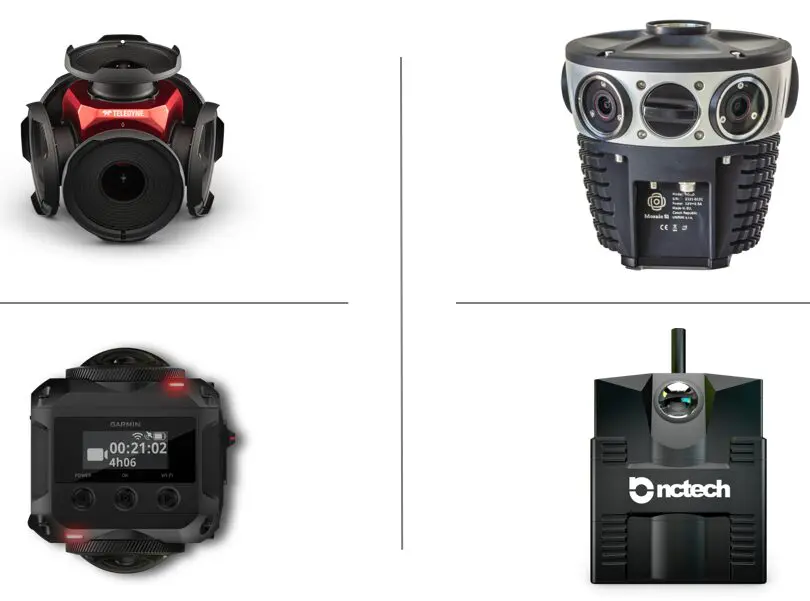
- Professional panoramic systems may offer higher resolution, synchronization and GNSS integration
- Laser scanners or mobile LiDAR systems are appropriate when dense 3D geometry is required
4. Calculate data volume early
Resolution, capture interval, video frame rate and route length can produce very different storage requirements. Estimate the expected data volume before collection so upload, storage and review do not become the project bottleneck.
5. Think about the software workflow
A good capture system should produce files your team can use without being trapped in one hardware ecosystem. OcuMap is hardware agnostic and can organize JPG and PNG photos, MP4 video, 360 imagery, GPS data, LAS/LAZ/E57 point clouds and other project records.
6. Plan for repeat capture
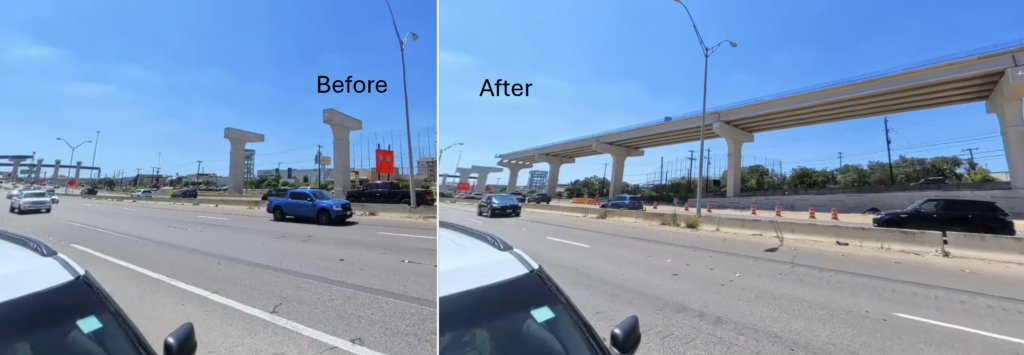
If the same route or facility will be documented again, consistent mounting, orientation and capture spacing make historical comparison more useful. OcuMap can compare documentation from the same location side by side across dates.
The practical selection rule
Choose the least complicated capture system that still meets the accuracy, image quality, safety and data-volume requirements of the project. Do not pay for survey-grade capabilities when you only need visual context—and do not rely on consumer GPS when survey-grade positioning is actually required.
Start documenting with OcuMap →
Practical checklist
- Start with the business or project question, not the tool.
- Identify which source is authoritative for location and dimensions.
- Keep capture date and spatial context with the record.
- Use measurement only within the accuracy limits of the source.
- Preserve originals for future reuse.
- Connect each resource to the relevant OcuMap project, solution or Platform page.
Related resources
Common questions
Which camera brand does OcuMap require?
None. OcuMap is hardware agnostic. Choose equipment based on the project and supported output formats.
Should I choose 360 imagery or standard photos?
360 imagery is useful for broad context, while standard photos can provide focused detail. Many projects use both.
Is built-in GPS always accurate enough?
No. Accuracy varies by device and environment. Use professional positioning when the project requires it.